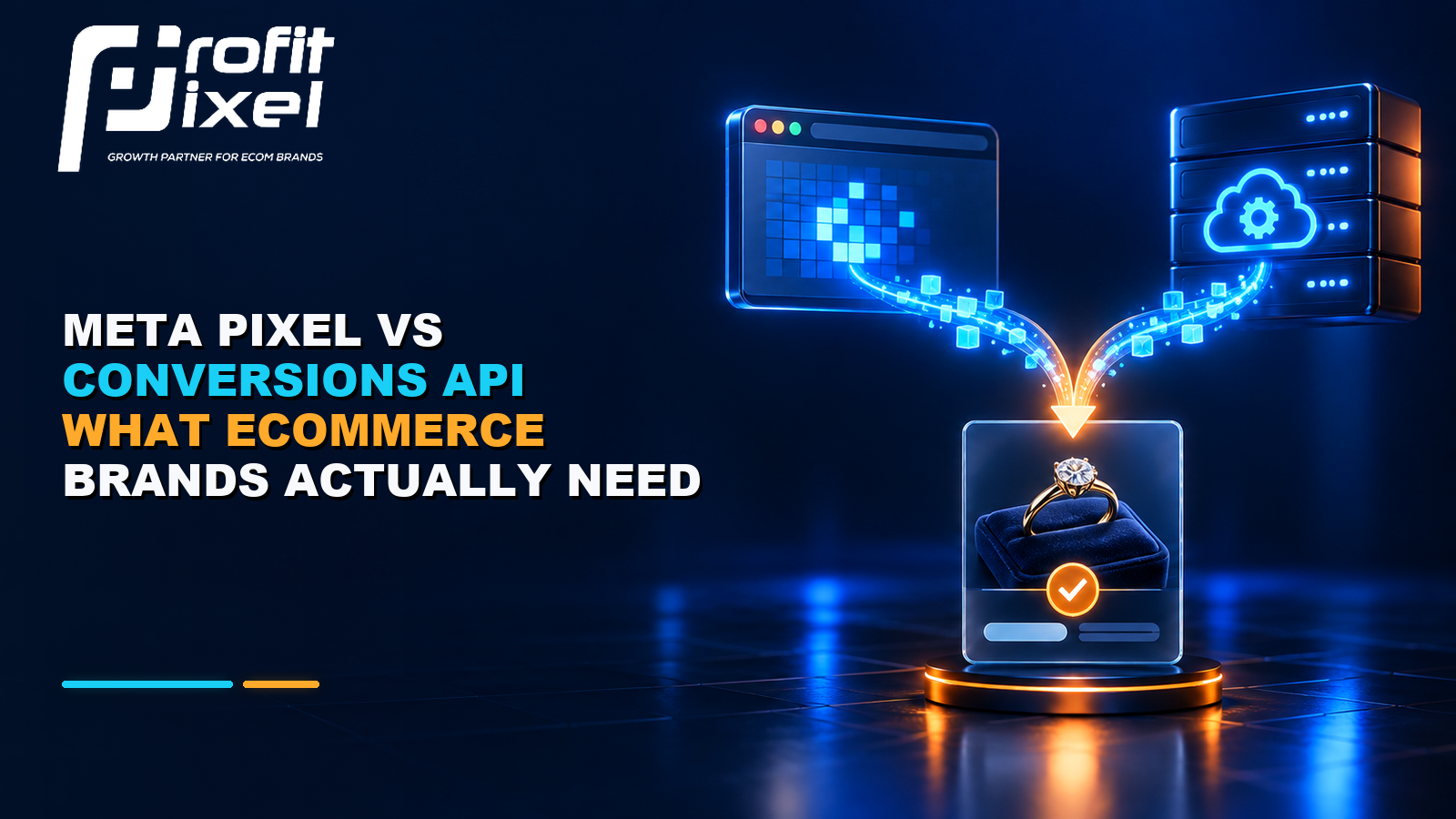
The Pixel and Conversions API are not opposing choices. Together, they create a more resilient measurement setup when the same events are matched and deduplicated correctly.
Ecommerce brands often ask whether they should replace the Meta Pixel with the Conversions API. In most cases, that is the wrong choice. The Pixel captures browser-side activity; the Conversions API sends events through a server connection. A well-implemented setup uses both and prevents the same conversion from being counted twice.
More event volume is not the objective. Accurate, permitted and well-matched events are. A broken dual setup can be worse than a clean single source because duplicate purchases, inconsistent values or missing identifiers distort reporting and optimisation.
How the Two Data Paths Differ
| Dimension | Meta Pixel | Conversions API |
| Data path | Browser to Meta | Server or partner integration to Meta |
| Typical events | Page view, view content, add to cart, purchase | Purchase and other business events sent from the server |
| Exposure | Affected by browser limits, connectivity and page execution | Less dependent on browser execution but dependent on server integration |
| Context | Rich browser and page interaction context | Can include CRM, phone, app or offline business events when implemented lawfully |
| Best role | On-site behaviour and browser signals | Resilient business-event transmission and improved matching |
Why Ecommerce Brands Usually Need Both
The Pixel observes actions in the browser and is useful for page-level behaviour. Conversions API can transmit the confirmed purchase from the commerce backend or server integration. Sending important events through both paths can improve resilience, but Meta needs a way to recognise that the browser purchase and server purchase describe the same order.
For a Shopify or other platform integration, a supported partner setup is often the safest starting point. Custom implementations are appropriate when the checkout, CRM or data requirements are unusual, but they need stronger engineering and privacy review.
Deduplication Is Non-Negotiable
When the same event is sent from browser and server, the implementation should use consistent event naming and a shared event identifier so Meta can deduplicate the pair. If the browser sends Purchase and the server sends a differently named event or a different identifier, two purchases may appear where only one occurred.
- Use the same event name for the same business action.
- Pass a unique, stable event ID through both browser and server versions.
- Send consistent currency, value, order and content information.
- Avoid generating a new event ID on every retry.
- Test real checkout paths, including payment failure, cancellation, and thank-you-page reloads.
Event Match Quality Helps, but Accuracy Comes First
Meta can match events more effectively when permitted customer information and click or browser identifiers are provided in the expected format. However, teams should not chase a score by sending data they do not need or have permission to use. Consent, disclosure, security and local law remain business responsibilities.
Hashing is a transmission safeguard for certain customer fields; it is not a substitute for lawful collection or consent. Work with legal and privacy advisers when designing the data flow, especially across regions.
What a Healthy Ecommerce Event Map Looks Like
| Event | Trigger | Important Parameters |
| ViewContent | A meaningful product page view | Content IDs, product type, value and currency where appropriate |
| AddToCart | A confirmed add-to-cart action | Content IDs, quantity, value and currency |
| InitiateCheckout | Checkout begins | Cart contents, value and currency |
| Purchase | Order is successfully confirmed | Unique event/order ID, value, currency and items |
| Refund or offline outcome | Backend status changes when supported | Order reference, status and value according to the integration |
Implementation Checklist
- Define the authoritative trigger for each event before installing anything.
- Use the platform’s supported integration where it meets the business need.
- Connect the Pixel and server event with a shared event ID.
- Verify domain, dataset and account ownership and access.
- Test events in Meta’s diagnostic tools and compare them with real orders.
- Check value, currency, content IDs and event timing, not only whether an event appears.
- Monitor diagnostics after theme, checkout, consent or platform changes.
- Document data sources, retention, consent and responsible owners.
Common Failure Patterns
- Purchase fires on a thank-you-page view and repeats when the page is refreshed.
- Browser and server purchases have no common event ID.
- The server sends order value before discounts while the browser sends value after discounts.
- Test orders and failed payments are counted as successful purchases.
- Content IDs do not match the catalogue, weakening product-level use cases.
- A consent change stops one data path, and nobody monitors the diagnostics.
Frequently Asked Questions
Can Conversions API work without the Meta Pixel?
Yes, server events can be sent independently, but many ecommerce brands benefit from using both paths because the Pixel supplies browser context and the server confirms important business events.
Will CAPI fix poor Meta Ads performance?
Not by itself. It can improve the reliability of event transmission and matching. Creative, offer, conversion rate, margin and campaign structure still determine whether acquisition is profitable.
How do I know whether purchases are duplicated?
Compare event diagnostics and reported purchase counts with unique backend orders. Check whether browser and server events share the same event name and event ID.
Build Measurement You Can Scale On
ProfitPixel reviews Pixel, Conversions API, event quality and backend reconciliation before using reported ROAS to make budget decisions.